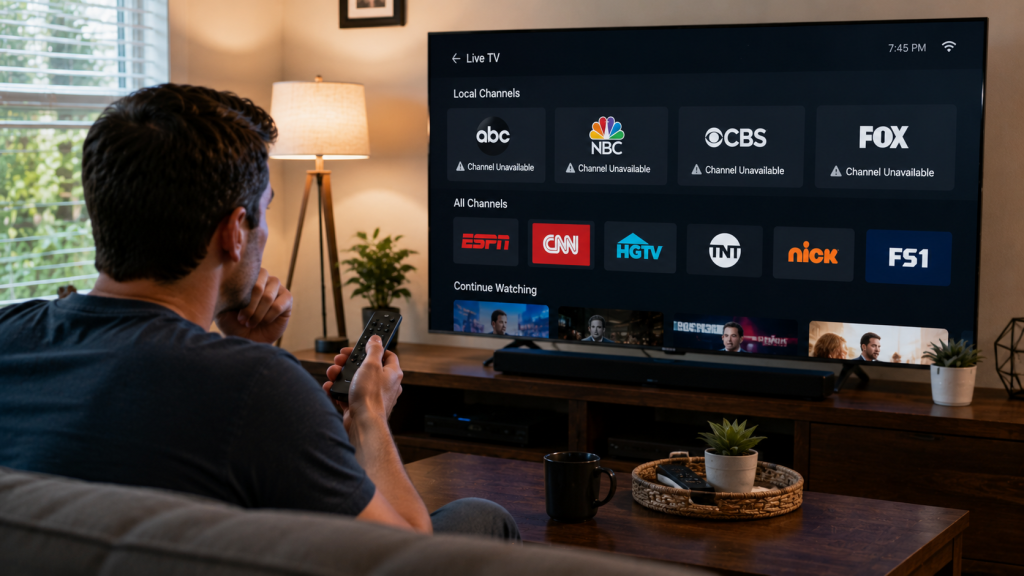
Most US households watch somewhere between 15 and 20 channels regularly, no matter how big the package they’re paying for. Nielsen’s own national audience data backs this up: the average American home receives over 200 channels but actually watches less than 10% of them. That gap between what you’re sold and what you actually use is the entire point of this article.
We’ve noticed something strange every time we talk to someone shopping for BestUSAIPTV: the first question is almost always “how many channels do you have?” Eighteen thousand. Twenty-two thousand. Thirty thousand-plus. It sounds impressive on a sales page. It tells you almost nothing about whether the service is actually good for your household.
The Gap Between What Providers Advertise and What People Actually Watch
Nielsen’s national audience research found that American adults received an average of 206 channels in a given month but watched less than 10% of them, roughly 20 channels total. That number has held remarkably steady for over a decade, even as the channel count available to the average household has more than tripled.
Cable companies and IPTV providers alike have spent twenty years adding channels nobody watches, because “more channels” is an easy number to put on a billing page, while “channels relevant to your specific habits” is a much harder thing to sell at scale. A bigger number looks like better value. It rarely is.
The “More Is Better” Marketing Trap
Every provider, IPTV or traditional cable, leans on the same playbook: bigger number, better deal. It works because channel count is the easiest spec to compare at a glance — nobody’s comparing actual content relevance during a five-minute sales call. But a 30,000-channel package stuffed with regional feeds from countries you have no connection to, decade-old religious broadcast channels, and three duplicate shopping networks isn’t more valuable than a tightly curated 4,000-channel package that happens to include every network your household actually watches.
What You Actually Use Daily vs What’s Just Sitting There
Open your current channel guide and scroll through it honestly. Most households land in a familiar pattern: a handful of major networks (ABC, NBC, CBS, FOX), two or three sports channels, one or two news channels, and whatever streaming-style on-demand library the provider bundles in. Everything else sits there, technically included, almost never opened.
The Real Number, Broken Down by Household Type
The “average” Nielsen number is useful as a baseline, but it hides a lot of variation. What you actually need depends heavily on what kind of viewer you are.
Sports-Heavy Households
If your household revolves around NFL Sundays, NBA nights, or soccer matches, your real number climbs closer to 20–25 channels, because sports coverage is split across multiple regional and national feeds (CBS, FOX, ESPN, NBC Sports, plus any PPV channels for boxing or UFC). The channel count matters less here than whether the specific sports networks you need are actually included.
News and Local-Channel Households
Households built around local news and national news coverage typically settle into a tight 10–15 channel rotation: your local affiliates, one or two cable news networks, and maybe a weather channel. If accuracy matters to you here, it’s worth checking our IPTV channels guide to see how local affiliate coverage actually works before assuming “local channels included” means what you think it means.
International and Diaspora Households
This is where channel count genuinely starts to matter more. A household watching Hindi news, Spanish-language entertainment, and Arabic sports coverage simultaneously might realistically use 30–40 channels across multiple languages and regions — a real exception to the “everyone watches under 20” rule, and a case where a bigger package can be a genuinely smart choice rather than marketing noise.
Casual, Background-TV Households
Some households barely watch live TV at all anymore, leaning almost entirely on VOD libraries and a handful of comfort-rewatch channels. For this group, the real number can be under 10, and a smaller, cheaper package focused on VOD quality over channel quantity is usually the better deal.
How to Pick a Package Based on Your Real Number, Not the Marketing Number
Write down your actual channels before you shop, not after. Open whatever you’re currently using — cable, a previous IPTV provider, even just your memory of what you watch weekly — and list every channel you genuinely tuned into in the last 30 days.
Step 1: List Your Must-Have Networks by Name
Not categories. Names. “Sports” isn’t useful information; “ESPN, NBC Sports, and my regional FOX Sports feed” is. This list, realistically, rarely exceeds 20–25 entries for most households, even heavy viewers.
Step 2: Account for Seasonal Spikes Separately
NFL season, March Madness, and major PPV events create temporary spikes in what you need. Don’t let a seasonal need inflate your year-round package size — many providers let you add short-term sports tiers instead of paying for 24/7 access to channels you’ll use eight weekends a year.
Step 3: Ignore the Total Channel Count Entirely During Comparison
Once your must-have list exists, the provider’s advertised total number becomes almost irrelevant. A provider with “only” 5,000 channels that includes every network on your list beats a 25,000-channel provider missing two of them, every time.
A Real Example: Three Households, Three Very Different Numbers
We pulled together three rough household profiles to show how differently this plays out in practice.
A family of four with two teenagers watching a mix of network sitcoms, YouTube-style content, and weekend sports landed at roughly 18 channels used regularly — almost exactly the Nielsen national average.
A single sports fan tracking NFL, college basketball, and UFC PPV events used closer to 24 channels, almost entirely sports and news, with zero interest in entertainment or kids’ programming.
A multigenerational household with grandparents watching Hindi-language news daily alongside grandkids watching English-language cartoons used 32 channels across two languages — a legitimate case for a larger, more diverse package.
Three households, three completely different real numbers, none of them anywhere near “20,000 channels included.”
Where This Leaves You
Stop shopping by channel count. Write your actual must-have list first, check whether a provider includes those specific channels by name, and treat the total channel number on any sales page as background noise rather than a deciding factor. It takes longer than glancing at a big number, but it’s the only way to actually compare value instead of comparing marketing.
If local channel accuracy is part of what you’re checking, we’ve also covered why local feeds sometimes don’t match your actual market in a separate guide worth reading before you commit to a plan.
Common Questions About How Many IPTV Channels You Need
How many channels does the average American household actually watch?
Nielsen’s national audience data shows the average US household watches under 20 channels regularly, despite receiving over 200 channels through their cable or IPTV provider.
Does a bigger IPTV channel package mean better value?
Not necessarily. A smaller package that includes every channel your household actually watches by name is usually better value than a larger package missing even one or two of your must-have networks.
How many channels do I need for sports?
Sports-heavy households typically need 20–25 channels, since sports coverage is split across multiple regional and national networks rather than concentrated in one or two channels.
Why do international households need more channels than average?
Households watching content across multiple languages and regions, such as Hindi, Spanish, or Arabic programming alongside English content, often need 30–40 channels to cover all the networks relevant to each language and audience.
How do I figure out my own real channel number before subscribing?
List every channel you watched in the last 30 days by name, separate seasonal sports needs from your year-round list, and compare that specific list against a provider’s lineup instead of comparing total channel counts.